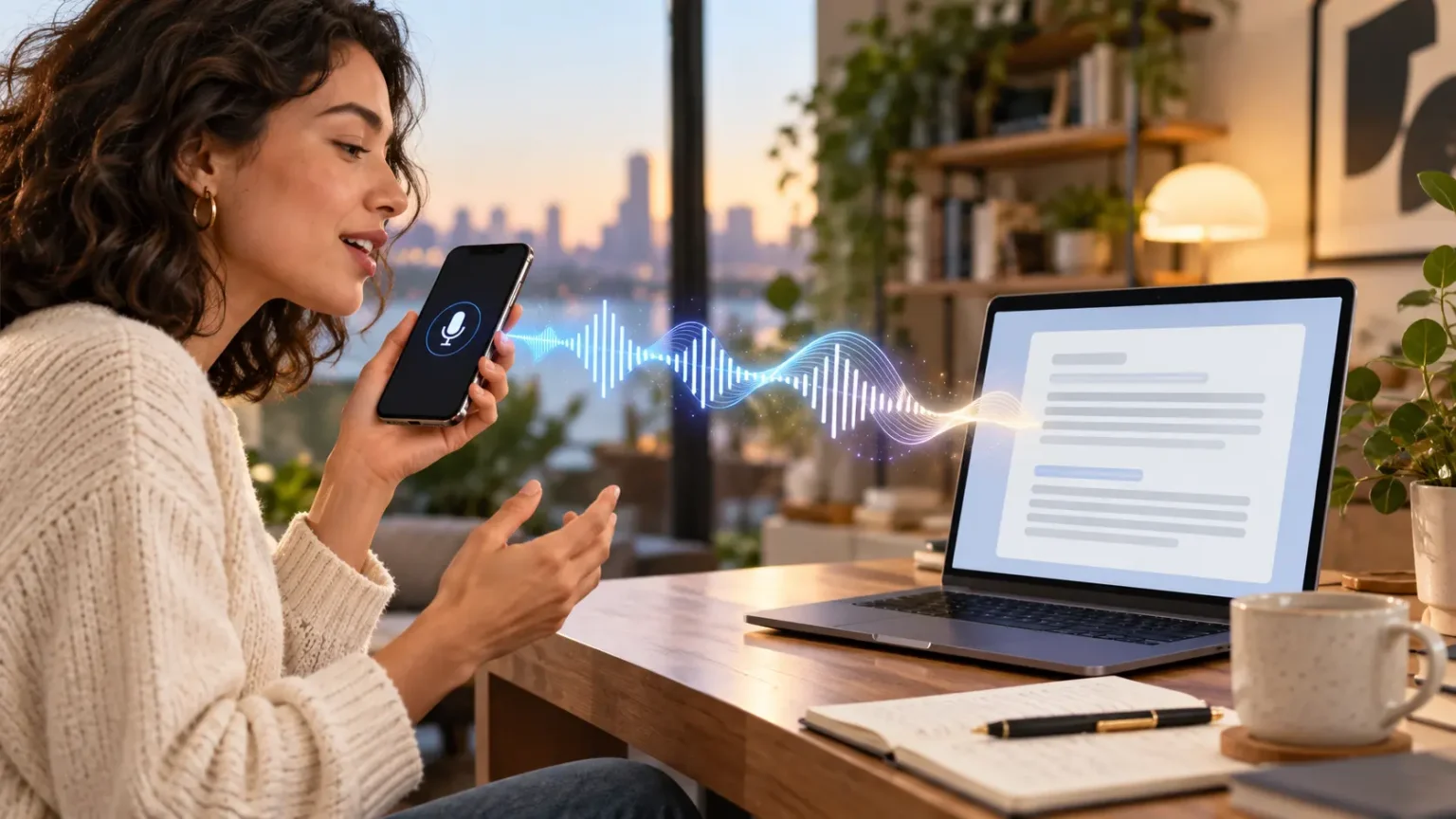
Gemini 3.5 Transcribe is Google’s dedicated speech-to-text foundation model built inside the Gemini API ecosystem for high-accuracy audio transcription across dozens of global and Indian languages. Supporting speaker diarization, word- and segment-level timestamps, smart formatting, and domain vocabulary hints, it enables teams to replace fragmented legacy ASR pipelines with a single API call. Always verify live parameter support and model tier limits in Google AI Studio or Vertex AI documentation before launching production jobs.
Core Capabilities Breakdown
- Multilingual & Code-Switched Speech: Converts recorded audio across 85+ languages into punctuated text. Particularly relevant for Indian workflows where speakers fluidly switch between English and Hindi/regional phrases (Hinglish) mid-sentence.
- Precision Timestamps: Returns exact start/end timestamps per phrase or word, powering clickable video chapters, podcast transcripts, and compliance audio audits.
- Speaker Diarization: Separates conversations into speaker turns (
Speaker 1,Speaker 2)—helpful for doctor-patient consultations, sales calls, and interviews. Note that diarization labels audio segments, not biometric identity verification. - Vocabulary Hints: Allows passing custom company jargon, medicine names, Indian fintech acronyms (e.g., NPCI, UPI, Aadhaar, GSTIN), or product SKUs to lower misrecognition rates.
Audio Limits & Modes to Check Before Building
Google’s live transcription documentation draws clear boundaries between recorded batch transcription and real-time live streaming:
| Configuration Mode | Typical Max Audio Duration | Best Use Case |
|---|---|---|
| Standard Batch Transcription | Up to ~60 minutes per request (verify live file caps) | Podcasts, recorded webinars, court/compliance recordings |
| Diarization + Word Timestamps Enabled | Shorter caps (often up to 30 minutes per chunk) | Multi-speaker sales meetings, customer support QA, video subtitles |
| Live Streaming Model | Real-time WebSocket / Live session limits | Voice agents, live captions, interactive support desks |
Always slice long recordings cleanly at silence boundaries using FFmpeg before uploading to avoid timeouts or chunk boundary cuts.
How to Benchmark Accuracy on Real Indian Audio
Standard marketing benchmarks rarely reflect real telephone or classroom recordings. Build a 5-clip internal benchmark covering:
- Background Noise: Street traffic, ceiling fans, or low-bitrate mobile call audio (8kHz/16kHz).
- Code-Switching: Hinglish / Indian English accents discussing technical topics or local places.
- Critical Entities: Check mistakes on dosages, rupee figures, account dates, and names—not merely harmless filler words like "um" or "actually".
Also inspect your organization’s data residency and retention requirements before routing medical, legal, or financial voice recordings to external cloud APIs. If you want to verify whether synthetic/AI-generated audio was injected into recordings, combine workflows with Google SynthID Detector.
Example API Implementation Pattern
// Conceptual Gemini API batch transcription request
const result = await ai.models.generateContent({
  model: "gemini-3.5-transcribe",
  contents: [
    audioFilePart,
    "Transcribe verbatim with speaker labels and timestamps. Domain terms: Nexilo Labs, Cursor, Ollama, DeepSeek R1."
  ]
});
Once transcribed, you can pipe clean transcripts downstream into lightweight decision models like OpenAI Decisions API for QA scoring or summarize them locally with DeepSeek R1 via Ollama.
Indian Accent Accuracy, Code-Switching & Telephony Latency Considerations
In real Indian production deployments—such as voice banking helplines, doctor appointment triage, and vernacular EdTech doubt bots—audio streams rarely match studio podcasts. Callers routinely blend Hindi, Tamil, Marathi, or Bengali grammar with English technical nouns inside noisy 8kHz GSM calls.
| Evaluation Metric | Clean Microphone (16kHz+) | Cellular Telephony (8kHz + Background Noise) |
|---|---|---|
| Code-Switched Hinglish Clarity | High punctuation accuracy on domain terms | Requires custom phrase boosting for IFSC, Aadhaar/PAN, and pincode digits |
| Speaker Diarization | Clean 2+ speaker turn separation | Combine voice activity detection (VAD) before batching audio chunks |
| PII & DPDP Act Privacy | Redact customer OTP/card digits post-transcript | Encrypt audio buffers in transit and purge raw recordings per policy |
Developers building complete real-time pipelines often pair speech transcription with Google Gemini 2.0 Flash structured extraction or local open-weight models configured via our Ollama local AI guide.
Frequently Asked Questions
Can Gemini 3.5 Transcribe handle Hindi and Hinglish audio accurately?
Yes, multilingual support covers Hindi and Indian English accents, though heavy overlapping speakers and industry acronyms perform far better when supplied via custom vocabulary hints.
Should I use the batch transcription model for live call center voice bots?
No. Batch models prioritize full-file accuracy and formatting; real-time voice bots require Google’s dedicated low-latency live streaming/Multimodal Live endpoints.
Sources
Capabilities, supported languages, and per-minute pricing limits reflect official Google API guidelines and remain subject to change. Verify live docs before deployment.