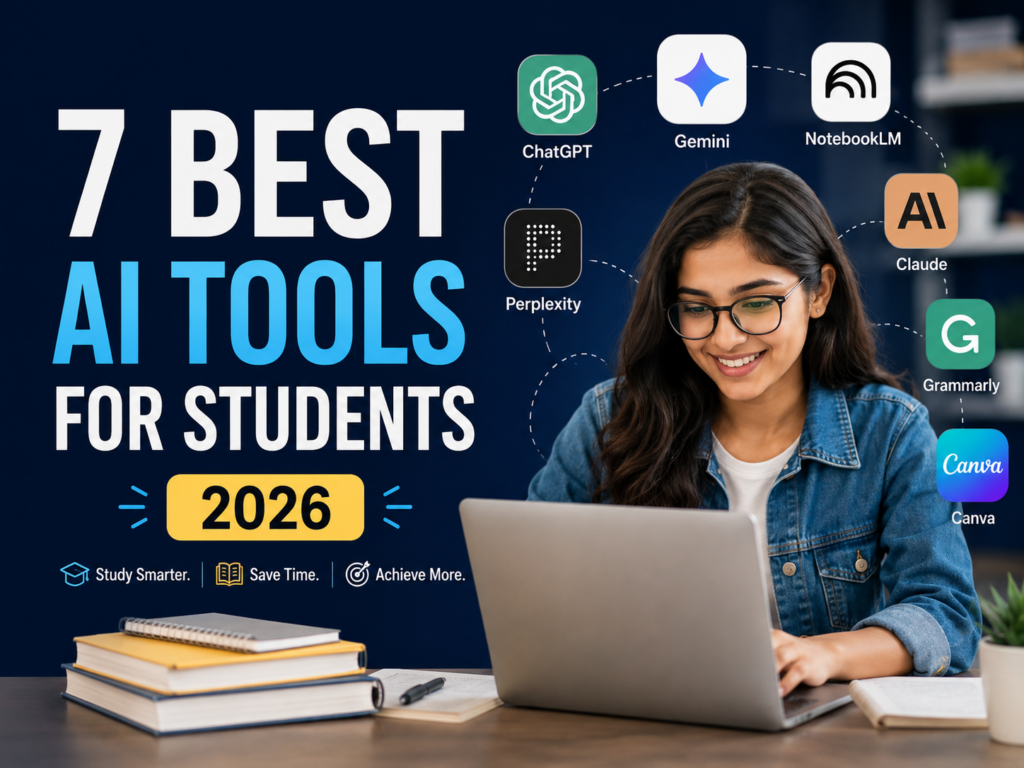
Artificial intelligence is quickly becoming a practical part of everyday work. You do not need to be a programmer, data scientist, or AI expert to benefit from it.
Used well, AI can help you write faster, organize information, brainstorm ideas, research topics, prepare for meetings, summarize documents, and reduce repetitive work.
The goal is not to let AI do your job for you. The goal is to use AI as a capable assistant so you can spend more time on judgment, creativity, communication, and important decisions.
In this guide, we will look at 15 practical ways to use AI at work, along with examples you can start applying immediately.

What Does Using AI at Work Actually Mean?
Using AI at work simply means using artificial intelligence tools to assist with tasks that normally take time, attention, or repetitive effort.
For example, an AI assistant can help you:
- Draft and improve written content
- Summarize long information
- Generate and organize ideas
- Research unfamiliar topics
- Prepare meeting notes
- Analyze basic information
- Create checklists and plans
- Turn rough notes into structured documents
- Automate repetitive workflows
AI works best when it supports human decision-making rather than replacing it.
A good rule is simple: let AI help with the first draft, organization, analysis, or repetitive work, while you remain responsible for accuracy and the final decision.
1. Draft Emails Faster
Email is one of the easiest places to start using AI at work.
Instead of spending ten minutes thinking about how to phrase a message, you can provide the important information and ask an AI assistant to create a professional draft.
For example:
Prompt:
“Write a concise professional email to a client explaining that the project review will be completed tomorrow afternoon. Keep the tone polite and confident.”
You can then review the draft, adjust the details, and send it.
This can be especially useful for follow-ups, meeting confirmations, status updates, customer communication, and internal emails.
2. Improve Your Writing
AI is also useful when you already know what you want to say but your writing feels unclear.
You can use it to improve:
- grammar
- clarity
- structure
- tone
- conciseness
- professionalism
For example, you might write a rough paragraph and ask:
“Rewrite this so it is clearer and more professional without changing the meaning.”
This can help with reports, proposals, emails, presentations, documentation, and many other types of business writing.
Always review the final version before using it.
3. Summarize Long Documents
Long reports, meeting notes, research papers, and business documents can take considerable time to read.
AI can help you create a first summary.
You can ask for:
“Summarize this document in five key points and highlight any decisions, risks, and action items.”
The summary can help you quickly understand the structure of the document before reading the most important sections in detail.
For important legal, financial, technical, or business documents, never rely only on an AI-generated summary. Verify important information against the original source.
4. Brainstorm New Ideas
AI can be a useful brainstorming partner when you are facing a blank page.
You could use it for:
- blog topics
- marketing campaigns
- product ideas
- presentation themes
- sales approaches
- process improvements
- customer engagement ideas
Instead of asking for generic ideas, give the AI context.
For example:
“Give me 15 content ideas for a software company targeting small business owners in India. Focus on practical problems around productivity, sales, and automation.”
More context usually produces more useful results.
5. Prepare for Meetings
Before a meeting, you can use AI to organize your thinking.
Give it the meeting goal and relevant context, then ask it to create:
- an agenda
- discussion questions
- key talking points
- potential objections
- preparation notes
For example:
“Create a 30-minute agenda for a meeting with a potential CRM client. The goal is to understand their sales process, current problems, team size, and software requirements.”
You still control the conversation, but AI can help you arrive better prepared.
6. Turn Meeting Notes Into Action Items
After a meeting, rough notes are often scattered and difficult to follow.
AI can convert those notes into a structured summary containing:
Decisions
Action items
Owners
Deadlines
Open questions
This makes follow-up significantly easier.
Before sharing the result, confirm that the AI has correctly interpreted names, deadlines, numbers, and responsibilities.
7. Research a New Topic
AI can help you understand unfamiliar subjects faster.
For example, imagine you need to learn about CRM software, cloud hosting, digital marketing, or a new business trend.
Instead of beginning with dozens of disconnected searches, you can first ask:
“Explain CRM software to a beginner. Cover what it does, who uses it, the major features, common implementation challenges, and the questions I should research next.”
This gives you a starting framework.
However, AI should not be treated as your only source. For decisions that depend on current facts, prices, regulations, product specifications, or statistics, verify the information using reliable primary sources.
8. Create Reports and Document Outlines
Starting a report is often harder than completing one.
AI can help you design the structure first.
For example:
“Create an outline for a monthly sales performance report for a small business. Include revenue, lead sources, conversion rate, pipeline status, team performance, key problems, and next-month priorities.”
Once you have the outline, you can insert your real information and analysis.
This is often more useful than asking AI to generate an entire report without context.
9. Build Checklists and Standard Processes
Businesses repeat many tasks every week.
Examples include:
- onboarding a customer
- publishing an article
- reviewing a sales lead
- launching a campaign
- hiring an employee
- performing a quality check
AI can help turn an informal process into a structured checklist or Standard Operating Procedure.
For example:
“Create a step-by-step checklist for publishing a new WordPress blog article, including SEO, images, proofreading, internal links, mobile testing, and final publishing.”
Your team can then review and customize the process.
10. Analyze Feedback
Customer reviews, survey answers, support messages, and employee feedback can contain useful patterns.
AI can help group responses into themes.
For example, you could ask it to identify:
- frequently mentioned problems
- common feature requests
- positive themes
- recurring complaints
- urgent concerns
This can make large collections of text easier to understand.
Do not upload confidential customer or company information to tools that are not approved for that data.
11. Generate First Drafts for Content
AI can help marketers, founders, and content teams overcome the first-draft problem.
It can assist with:
- article outlines
- social posts
- newsletter ideas
- video scripts
- product descriptions
- FAQs
The important part is what happens after the first draft.
Good content still requires original insight, editing, fact-checking, examples, useful structure, and a clear understanding of the audience.
Publishing large amounts of generic AI-generated text without adding meaningful value is unlikely to build a strong brand.
12. Prepare Presentations
AI can help transform rough ideas into a logical presentation structure.
Give it:
- your audience
- presentation objective
- available time
- main points
Then ask it to propose a slide sequence.
For example:
“Create a 10-slide presentation outline explaining how a small business can improve lead management using a CRM. The audience is business owners with limited technical knowledge.”
You can then refine the content and design the slides yourself.
13. Compare Options More Clearly
AI can help organize comparisons.
Suppose you are evaluating three software products. Give the AI the verified features and ask it to organize them around criteria such as:
Price
Ease of use
Automation
Integrations
Reporting
Best use case
This can make decision-making easier.
Be careful not to ask AI to invent current product features or pricing. Supply verified information or check the official sources before making a decision.
14. Learn New Skills Faster
AI can act as an interactive learning assistant.
Instead of simply reading tutorials, you can ask questions as you learn.
For example:
“Teach me the basics of SEO in seven lessons. After each lesson, give me a short exercise and wait for my answer before continuing.”
You can use the same approach for:
- Excel
- coding
- marketing
- sales
- business communication
- project management
- software tools
The ability to ask follow-up questions makes AI particularly useful for learning complicated subjects.
15. Improve Repetitive Workflows
The biggest productivity benefit often comes from identifying tasks you repeat frequently.
Look at your normal workday and ask:
What do I repeatedly write?
What information do I repeatedly organize?
What reports do I repeatedly prepare?
What questions do customers repeatedly ask?
What information do I repeatedly copy between systems?
These tasks are good candidates for AI assistance or automation.
Start with one small workflow, test it carefully, measure whether it genuinely saves time, and improve it before automating more processes.
How to Get Better Results From AI
The quality of an AI response depends heavily on the information you provide.
Instead of writing:
“Write an email.”
Try:
“Write a short follow-up email to a potential client who attended our CRM demo yesterday. Thank them for their time, mention that I am sharing the proposal, and invite them to ask questions. Keep the tone professional and friendly.”
A useful AI prompt usually contains four things:
Context: What is happening?
Task: What do you want?
Audience: Who is it for?
Constraints: What tone, format, length, or requirements should be followed?
The clearer your instructions are, the less editing you usually need afterward.
What You Should Not Share With AI Tools
AI can improve productivity, but workplace use also requires judgment.
Avoid sharing confidential information unless your organization has approved the tool and its data policies.
Sensitive information may include customer records, passwords, internal financial information, confidential contracts, private employee information, proprietary business data, and unreleased product plans.
Your organization’s privacy and security policies should always take priority over convenience.
Will AI Replace Human Work?
For most knowledge workers, a more useful question is not whether AI will replace every job.
The practical question is:
Which parts of my work can AI help me perform better?
AI is particularly useful for drafting, organizing, summarizing, brainstorming, and repetitive information tasks.
Humans remain important for judgment, accountability, relationships, creativity, leadership, context, and decisions where consequences matter.
Workers who understand how to combine their own expertise with useful AI tools may be able to work more efficiently than those who ignore them completely.
A Simple Way to Start Using AI at Work Today
Do not try to automate your entire job on the first day.
Choose one repetitive task that takes you 15 to 30 minutes.
It could be preparing a meeting agenda, drafting a follow-up email, summarizing notes, or organizing ideas.
Use AI to create a first version.
Then ask yourself:
Did it save time?
Was the result accurate?
How much editing was required?
Would I trust this workflow again?
If the answer is yes, turn it into a repeatable process and move to the next task.
Final Thoughts
AI is most useful at work when it removes friction rather than adding complexity.
You do not need dozens of AI applications or complicated automation systems to begin.
Start with everyday tasks such as writing, research, planning, summarization, learning, and organization.
Keep humans responsible for important decisions, verify information when accuracy matters, and protect sensitive data.
The people and businesses that benefit most from AI will not necessarily be those using the largest number of tools. They will be the ones that identify practical problems and use technology thoughtfully to solve them.
As AI continues to evolve, learning how to work with it may become an increasingly valuable professional skill.