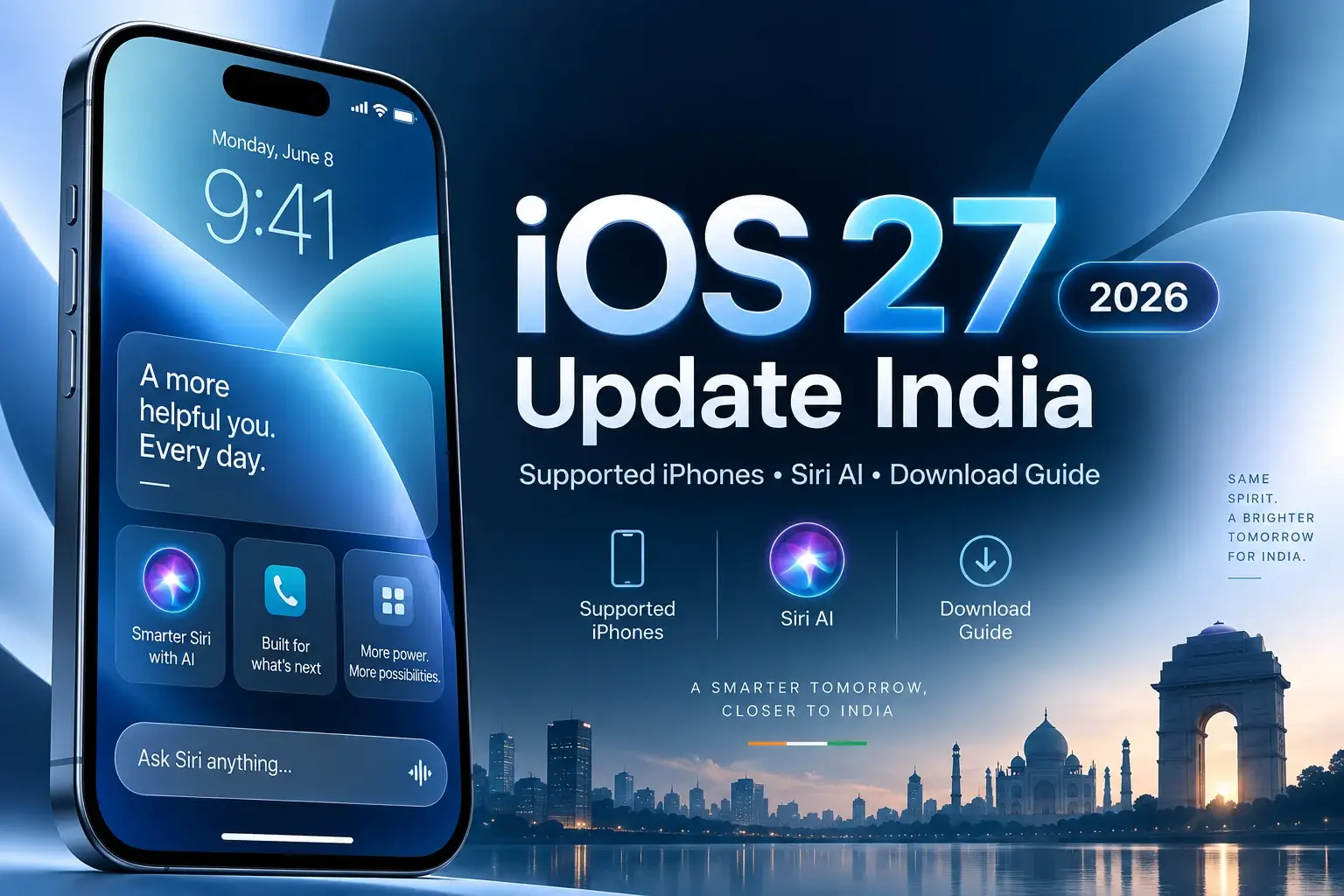
Apple ने officially iOS 27 rollout कर दिया है, और India के eligible iPhone users अब नया update download कर सकते हैं.
iOS 27 को 14 September 2026 को release किया गया. Update का सबसे बड़ा highlight है नया Siri AI, लेकिन इसके अलावा Apple ने interface customization, Photos improvements, smarter system features और कई usability upgrades भी दिए हैं.
लेकिन एक important बात है: हर iPhone जो iOS 27 install कर सकता है, उसमें Siri AI नहीं मिलेगा.
अगर आपके पास iPhone 11, iPhone 12, iPhone 13 या कई older supported models हैं, तो आपको iOS 27 update मिलेगा, लेकिन latest Apple Intelligence/Siri AI features के लिए newer hardware required है.
इस guide में हम समझेंगे कि iOS 27 India में कैसे download करें, कौनसे iPhones supported हैं, Siri AI किन devices पर चलेगा, और update install करने से पहले किन बातों का ध्यान रखना चाहिए.
iOS 27 India में कब Release हुआ?
Apple ने iOS 27 को 14 September 2026 से compatible iPhones के लिए available कर दिया है.
Apple Developer release records के अनुसार final iOS 27.0 build 24A437 है.
India में update phased तरीके से दिखाई दे सकता है. इसलिए अगर किसी दूसरे user को update मिल गया और आपके phone में तुरंत नहीं दिख रहा, तो इसका मतलब necessarily यह नहीं है कि आपका device unsupported है.
iOS 27 कैसे Download करें?
अपने iPhone में:
Settings → General → Software Update
open करें.
अगर iOS 27 available है, तो आपको Download and Install या Update Now option दिखाई देगा.
Update शुरू करने से पहले Wi-Fi connection use करना बेहतर है, battery पर्याप्त रखें और important data का backup बना लें.
Launch के शुरुआती hours में Apple servers पर ज्यादा traffic होने की वजह से download slow भी हो सकता है. MacRumors के अनुसार rollout के समय update सभी users तक पहुंचने में कुछ समय लग सकता है.
iOS 27 Supported iPhones
iOS 27 की अच्छी बात यह है कि Apple ने iOS 26 वाले same broad device range को continue किया है.
Compatibility iPhone 11 series और newer, साथ ही iPhone SE 2nd generation और बाद के models तक जाती है.
| iPhone Series | iOS 27 Support |
|---|---|
| iPhone 18 Pro / Pro Max | Yes |
| iPhone Duo | Yes |
| iPhone 17 Series | Yes |
| iPhone Air | Yes |
| iPhone 16 Series | Yes |
| iPhone 15 Series | Yes |
| iPhone 14 Series | Yes |
| iPhone 13 Series | Yes |
| iPhone 12 Series | Yes |
| iPhone 11 Series | Yes |
| iPhone SE 2nd Gen & newer | Yes |
लेकिन यहां सबसे important difference आता है.
क्या सभी Supported iPhones में Siri AI मिलेगा?
नहीं.
iOS 27 install करने की eligibility और Siri AI eligibility अलग-अलग हैं.
Apple के अनुसार Apple Intelligence और Siri AI के लिए compatible devices में iPhone 15 Pro, iPhone 15 Pro Max और iPhone 16 series या newer supported devices शामिल हैं.
इसका मतलब अगर आपके पास iPhone 11, 12, 13, 14 या regular iPhone 15 है, तो iOS 27 मिलेगा, लेकिन full Siri AI experience नहीं मिलेगा.
यह distinction article का सबसे important point है क्योंकि कई users simply assume कर रहे हैं कि “iOS 27 support = Siri AI support.”
Siri AI क्या है?
Siri AI Apple के voice assistant का बड़ा upgrade है.
Apple इसे more capable और more personal assistant के रूप में position कर रहा है. Users Siri के साथ more natural language में interact कर सकते हैं और context-based tasks करा सकते हैं.
Siri AI writing, information retrieval, personal context और everyday tasks में ज्यादा helpful बनने के लिए designed है.
Apple Support के अनुसार Siri AI writing को compose, rewrite और proofread करने में भी मदद कर सकता है.
India में Siri AI Available है?
हाँ, लेकिन शुरुआत में English language के साथ rollout हो रहा है.
Apple की India website साफ बताती है कि Siri AI English में rollout होना शुरू हुआ है.
अगर आपके पास supported iPhone है लेकिन Siri AI दिखाई नहीं देता, तो device language और Siri language settings check करना useful हो सकता है.
Feature availability region और language के हिसाब से vary कर सकती है.
iOS 27 के Main Features
iOS 27 सिर्फ Siri AI update नहीं है.
Apple ने UI और everyday usage में भी changes किए हैं.
New Siri AI
Compatible iPhones पर नया Siri सबसे बड़ा upgrade है. Better contextual understanding, writing assistance और more capable interactions इसके main highlights हैं.
Smarter Photos
Apple Intelligence-supported devices पर Photos में improved AI editing capabilities मिलती हैं, including upgraded Clean Up और new AI-based photo tools.
Liquid Glass Improvements
Apple ने Liquid Glass interface को भी refine किया है और users को transparency/appearance control के लिए additional customization दी है.
Better Lock Screen Customization
Lock Screen customization को expand किया गया है, जिससे users visual elements को ज्यादा flexible तरीके से adjust कर सकते हैं.
More System Controls
Apple ने alerts, alarms, ringtones और system sounds के लिए more granular volume controls जैसे usability improvements भी introduce किए हैं.
Siri AI और ChatGPT Integration
Apple Intelligence-compatible iPhones पर Siri जरूरत पड़ने पर ChatGPT की मदद भी ले सकता है.
Apple Support documentation के अनुसार user Siri से ChatGPT-assisted responses मांग सकता है.
Example के तौर पर आप Siri से किसी topic पर ideas, writing assistance या image/context based question पूछ सकते हैं.
यह integration iOS 27 को especially interesting बनाता है क्योंकि Siri अब सिर्फ traditional voice commands तक limited नहीं रहती.
iOS 27 vs iOS 26.7
Apple ने iOS 27 के साथ iOS 26.7 security update भी release किया है.
iOS 26.7 में security vulnerabilities के fixes शामिल हैं और यह users के लिए useful option हो सकता है जो immediately major iOS 27 upgrade नहीं करना चाहते.
इसलिए कुछ users को Software Update screen पर iOS 26.7 भी दिखाई दे सकता है.
अगर आपका device iOS 27 compatible है, तो carefully Software Update page पर available upgrade options check करें.
iOS 27 Update नहीं दिख रहा तो क्या करें?
सबसे पहले confirm करें कि आपका iPhone supported list में है.
फिर Settings → General → Software Update खोलकर कुछ समय wait करें.
Wi-Fi reconnect करना, phone restart करना और पर्याप्त storage check करना भी मदद कर सकता है.
अगर iOS 26.7 दिख रहा है, तो screen के नीचे या alternate update section में iOS 27 upgrade option check करें.
Launch के तुरंत बाद update rollout staggered हो सकता है.
iOS 27 Install करने से पहले कितनी Storage चाहिए?
Apple एक universal fixed storage number सभी devices के लिए नहीं बताता क्योंकि update size model और existing iOS version पर depend कर सकता है.
Safe approach यह है कि installation से पहले कुछ GB free storage रखें.
Settings → General → iPhone Storage में जाकर unused apps, downloads और large videos review कर सकते हैं.
क्या iOS 27 से Battery Drain हो सकती है?
Major iOS update के बाद first 24–48 hours में temporarily higher battery usage normal हो सकती है.
Update के बाद iPhone photos indexing, search indexing, app optimization और background processes perform कर सकता है.
इसलिए update install करने के तुरंत बाद battery life को final judge करना सही नहीं है.
अगर battery drain कई दिनों तक unusual रहे, तब Battery settings में app usage check करें.
क्या iOS 27 से iPhone Heat हो सकता है?
Installation और initial setup के दौरान device थोड़ा warm होना unusual नहीं है.
लेकिन अगर phone continuously बहुत ज्यादा heat हो रहा है, charging stop हो रही है या performance seriously affected है, तो device को restart करें और installed apps/update status check करें.
Persistent hardware-like issues के लिए Apple Support से contact करना बेहतर है.
क्या iPhone 11 पर iOS 27 Install करना चाहिए?
iPhone 11 officially supported है.
लेकिन इसमें Siri AI जैसी hardware-dependent Apple Intelligence capabilities नहीं मिलेंगी.
अगर आपका device healthy है, storage available है और apps compatible हैं, तो iOS 27 security और system improvements के लिए useful हो सकता है.
लेकिन बहुत old battery वाले device पर पहले battery health check करना sensible रहेगा.
iPhone 12 और iPhone 13 Users के लिए क्या फायदा है?
iPhone 12 और 13 users को नया OS interface, security updates और कई standard iOS improvements मिलेंगे.
लेकिन full Apple Intelligence/Siri AI features उपलब्ध नहीं होंगे.
इसलिए अगर आपका primary reason Siri AI है, तो सिर्फ software update से वह capability unlock नहीं होगी.
iPhone 15 Users को Siri AI मिलेगा?
यह model पर depend करता है.
iPhone 15 Pro और iPhone 15 Pro Max Apple Intelligence-compatible हैं.
Regular iPhone 15 और iPhone 15 Plus full Apple Intelligence hardware requirements meet नहीं करते.
यह distinction खरीदारी के समय भी important है.
क्या iOS 27 तुरंत Install करना चाहिए या Wait करें?
अगर आपका iPhone daily critical work के लिए use होता है और आप maximum stability चाहते हैं, तो few days wait करना reasonable हो सकता है.
Early rollout period में minor app compatibility या battery optimization issues सामने आ सकते हैं.
लेकिन अगर आपको latest features चाहिए और आपका device backed up है, तो official stable release install किया जा सकता है.
Security-conscious users को supported software पर रहना चाहिए, चाहे वह latest iOS 27 हो या Apple द्वारा provided current security update.
iOS 27 किन Users के लिए सबसे बड़ा Upgrade है?
सबसे बड़ा फायदा Apple Intelligence-compatible iPhones को मिलेगा.
Particularly iPhone 15 Pro और newer compatible devices पर Siri AI, AI writing capabilities, smarter system interactions और other Apple Intelligence improvements iOS 27 को much more meaningful update बनाते हैं.
Older supported iPhones पर update useful है, लेकिन experience ज्यादा traditional system-upgrade जैसा होगा.
FAQs
iOS 27 India में available है?
हाँ. Apple ने iOS 27 को 14 September 2026 से compatible iPhones के लिए release कर दिया है.
iOS 27 कौनसे iPhone में चलेगा?
iPhone 11 series और newer models तथा iPhone SE 2nd generation और later models supported हैं.
क्या iPhone 11 में Siri AI मिलेगा?
नहीं. iPhone 11 iOS 27 चला सकता है लेकिन Apple Intelligence/Siri AI hardware requirements meet नहीं करता.
क्या iPhone 15 में Siri AI मिलेगा?
Regular iPhone 15 नहीं; iPhone 15 Pro और iPhone 15 Pro Max supported हैं.
iOS 27 कैसे update करें?
Settings → General → Software Update → Download and Install.
India में Siri AI किस language में available है?
Initial rollout English से शुरू हुआ है.
iOS 26.7 क्या है?
iOS 26.7 Apple का current security update है, जिसे iOS 27 के साथ September 14 को release किया गया.
iOS 27 free है?
हाँ. Compatible iPhone users के लिए iOS software update free है.
Final Verdict
iOS 27 Apple का सिर्फ yearly design update नहीं है.
इस release का सबसे बड़ा बदलाव Siri AI और broader Apple Intelligence experience है.
लेकिन India के users को सबसे important चीज समझनी चाहिए:
iOS 27 बहुत सारे older iPhones में install होगा, लेकिन Siri AI सिर्फ Apple Intelligence-compatible iPhones पर चलेगा.
अगर आपके पास iPhone 15 Pro, 15 Pro Max या newer compatible model है, तो iOS 27 significantly more interesting upgrade है.
Older devices के लिए update mainly security, interface improvements और standard iOS features का combination रहेगा.
Nexilo recommendation: update करने से पहले backup लें, storage check करें और अगर आपका iPhone work-critical है तो initial rollout के कुछ days बाद update करना safer approach हो सकता है.